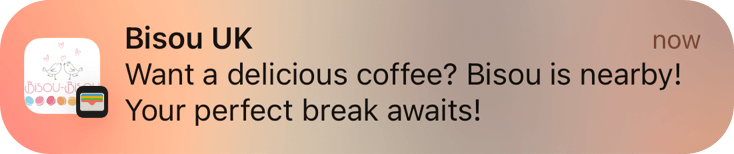
Create digital loyalty cards customers can save to Apple Wallet and Google Wallet.

Digital wallet loyalty software

Create digital loyalty cards for Apple Wallet and Google Wallet.

Launch stamps, rewards, coupons, discounts, memberships, gifts, and passes customers can keep on their phone without downloading another app.
Up to2xreturn rate
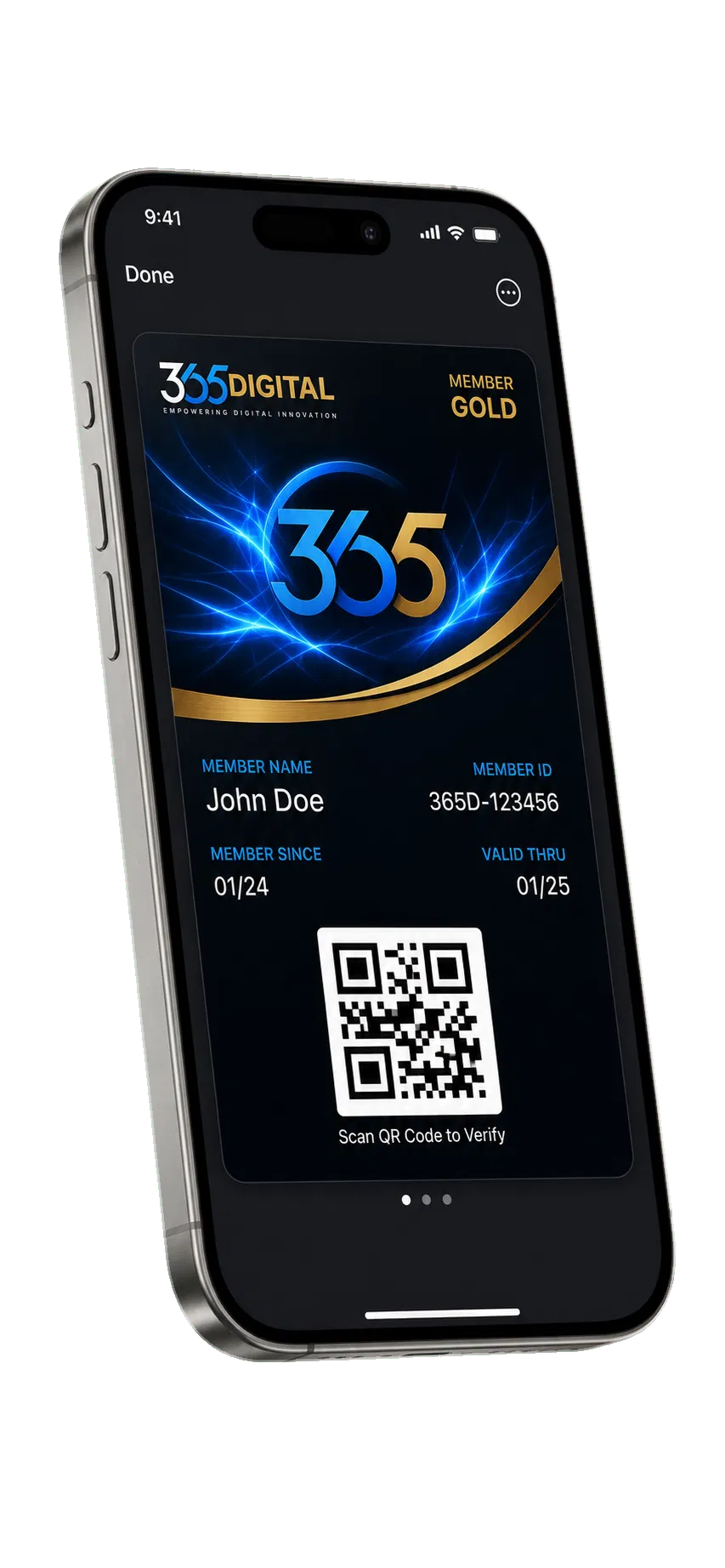
365Digital wallet pass on a phone
Up to30%more repeat sales

With digital wallet cards

Turn loyalty, offers, and rewards into cards customers actually keep.

Launch wallet cards for stamps, rewards, discounts, coupons, memberships, and gifts. Customers save the card once, then scan, collect, redeem, and return from the wallet already on their phone.

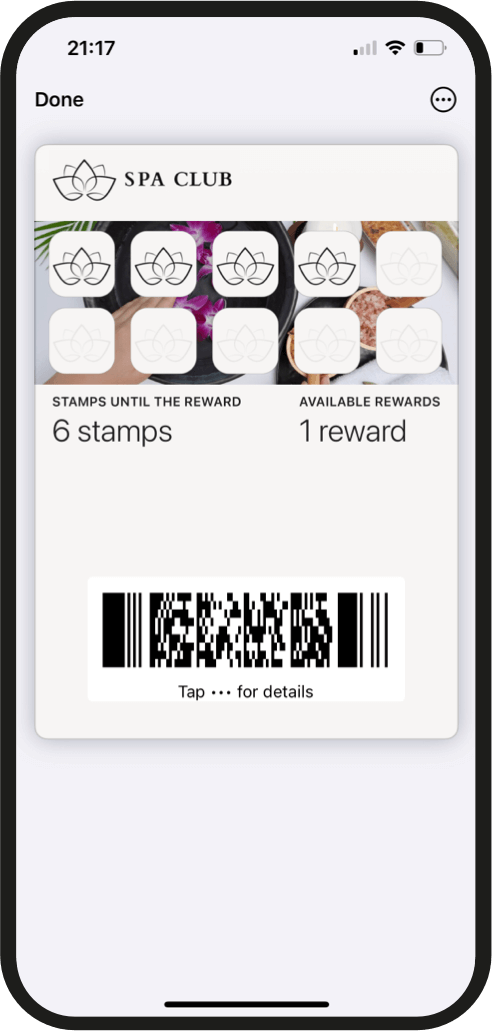
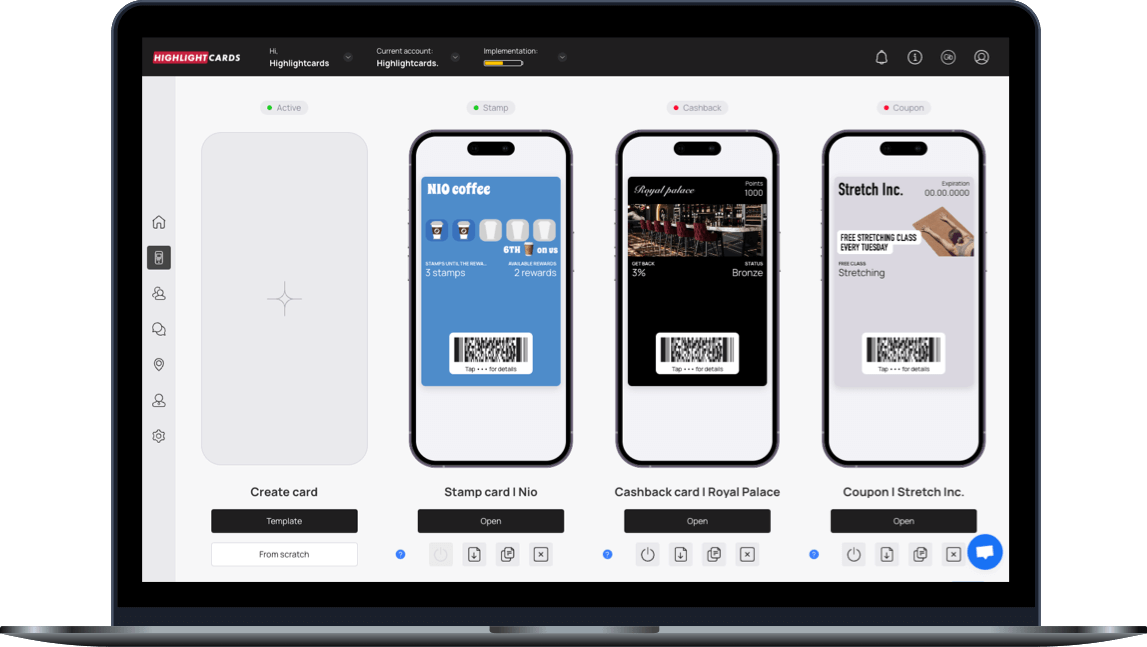
Stamp wallet card preview

Stamps

A simple stamp card for repeat purchases, visits, and loyalty rewards.
Stamps

  • Reward each visit or purchase without paper cards.
  • Use it for coffee, grooming, classes, meals, or services.
  • Give customers a visible reason to come back.
Try it
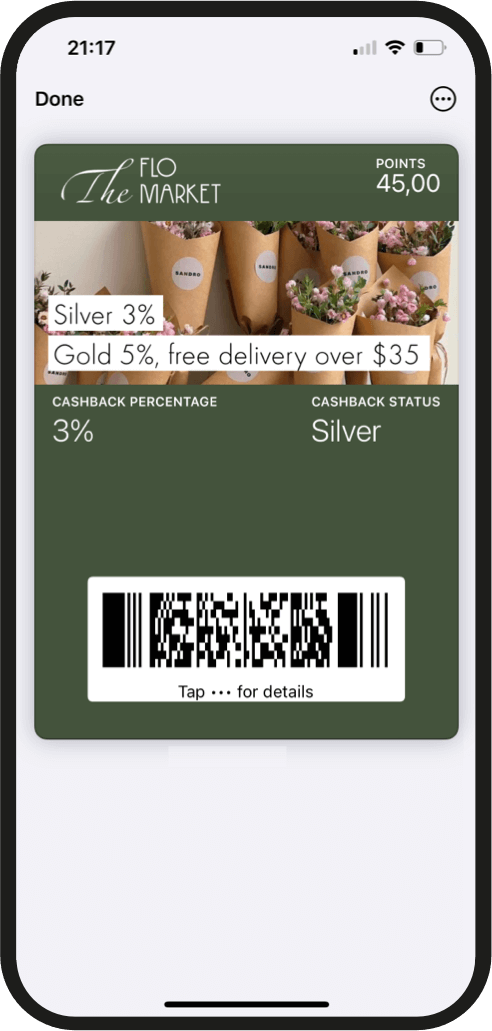
Cashback wallet card preview

Cashback

Give points or balance customers can earn, track, and redeem.
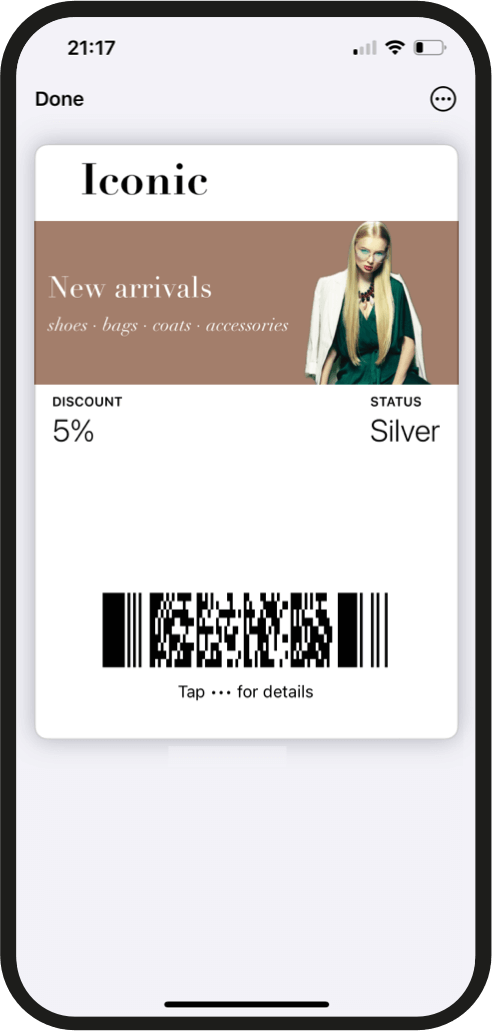
Cashback

  • Turn spend into a balance customers can understand.
  • Show progress right inside Apple Wallet or Google Wallet.
  • Use tiers when you want bigger customers to feel recognized.
Try it
Discount wallet card preview

Discount

Create digital discounts customers can save, scan, and redeem.
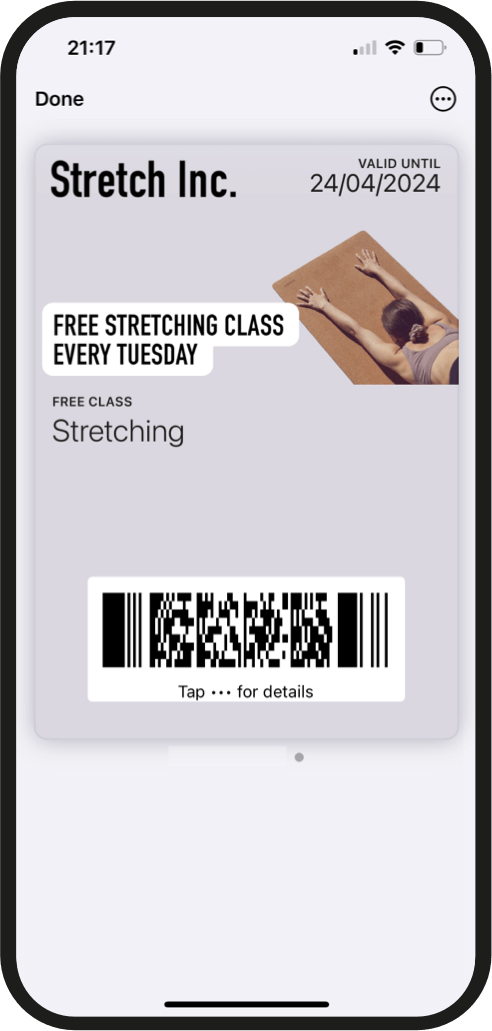
Discount

  • Give first-time visitors a simple offer to save.
  • Keep the discount visible inside their phone wallet.
  • Use it for launch offers, weekday fills, and local promos.
Try it
Coupon wallet card preview

Coupon

Make one clear offer easy to claim, save, scan, and measure.
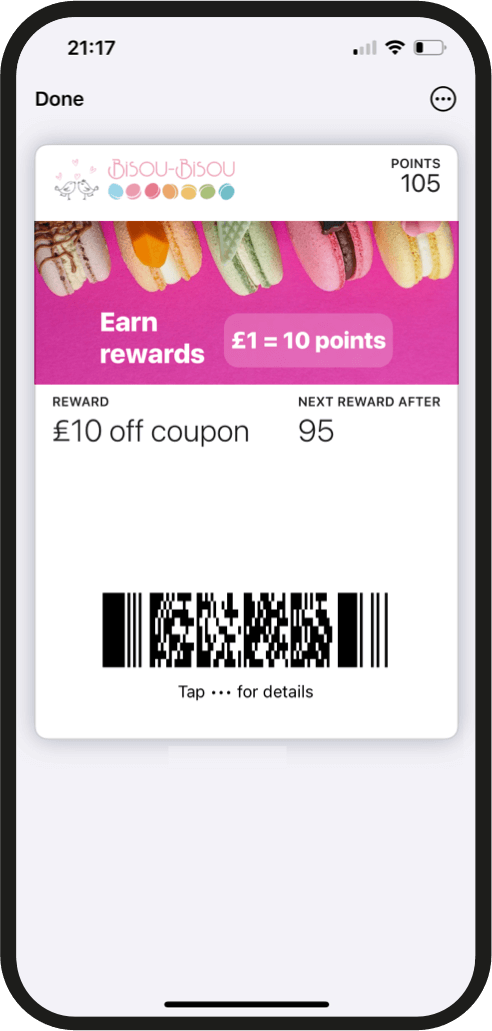
Coupon

  • Create one focused offer with a clear next step.
  • Let customers keep it in Apple Wallet or Google Wallet.
  • Update the card later when the offer changes.
Try it
Rewards wallet card preview

Rewards

Give customers a reason to come back and keep earning with you.
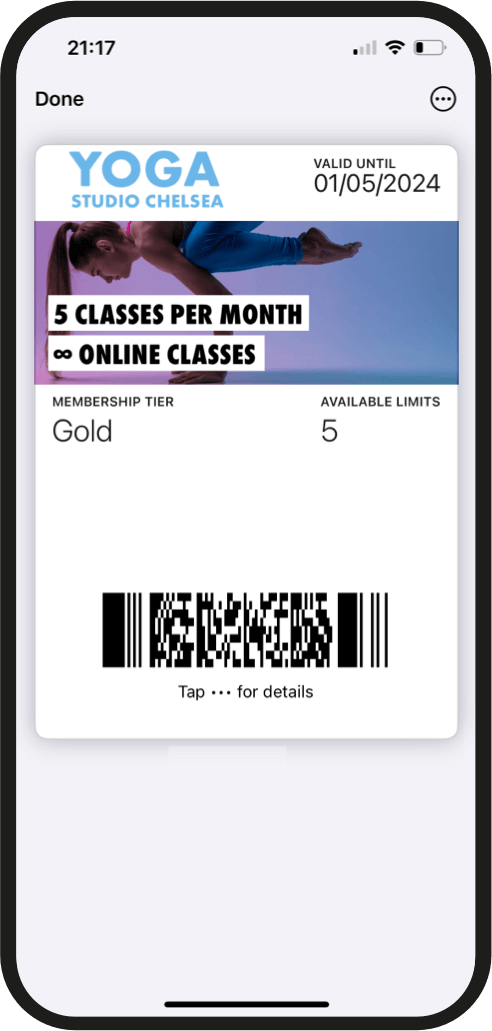
Rewards

  • Build simple earning levels around real customer behavior.
  • Use small rewards to create a habit, not just a discount.
  • Keep the next reward visible every time they open the card.
Try it
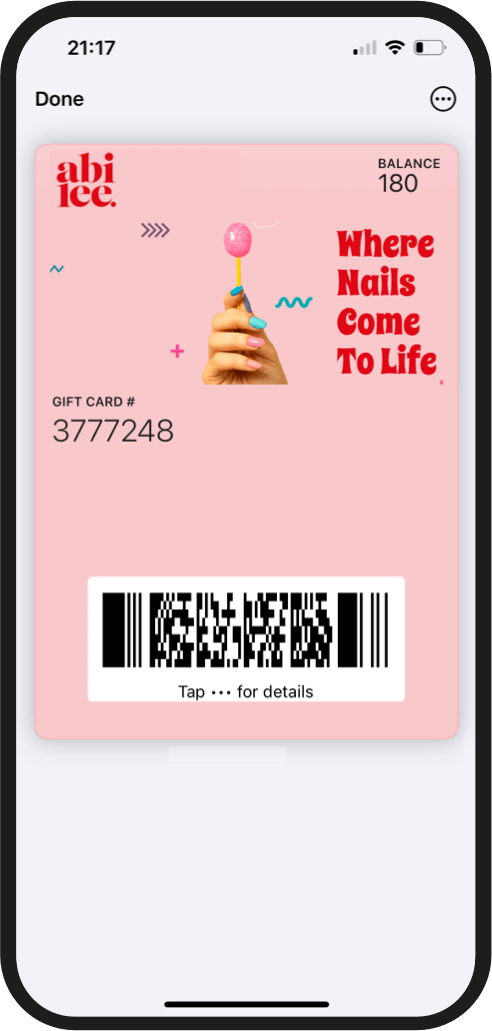
Membership wallet card preview

Membership

Create VIP access, member perks, and ongoing customer status.
Membership

  • Give members a saved pass that feels official.
  • Use it for VIP perks, paid access, or recurring services.
  • Make benefits easy for staff to check and redeem.
Try it
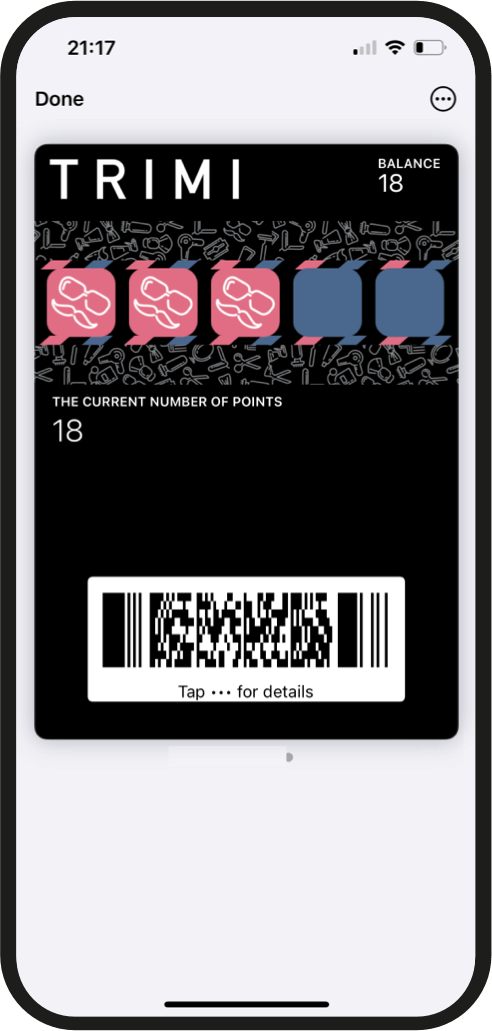
Gift wallet card preview

Gift

Sell or share gift cards customers can keep in their phone wallet.
Gift

  • Make prepaid value easy to save and use later.
  • Offer it for holidays, referrals, thank-yous, or giveaways.
  • Keep the balance or offer visible between visits.
Try it
Multipass wallet card preview

Multipass

Bundle visits, passes, and package redemptions in one card.

Multipass

  • Package multiple visits into one simple wallet card.
  • Use it for classes, sessions, services, and prepaid bundles.
  • Show remaining visits so customers know what is left.
Try it

Trusted by local businesses across Toronto and the GTA

Toronto skyline and GTA map-style illustration

Tools for digital loyalty

Reward customers. Keep them connected.

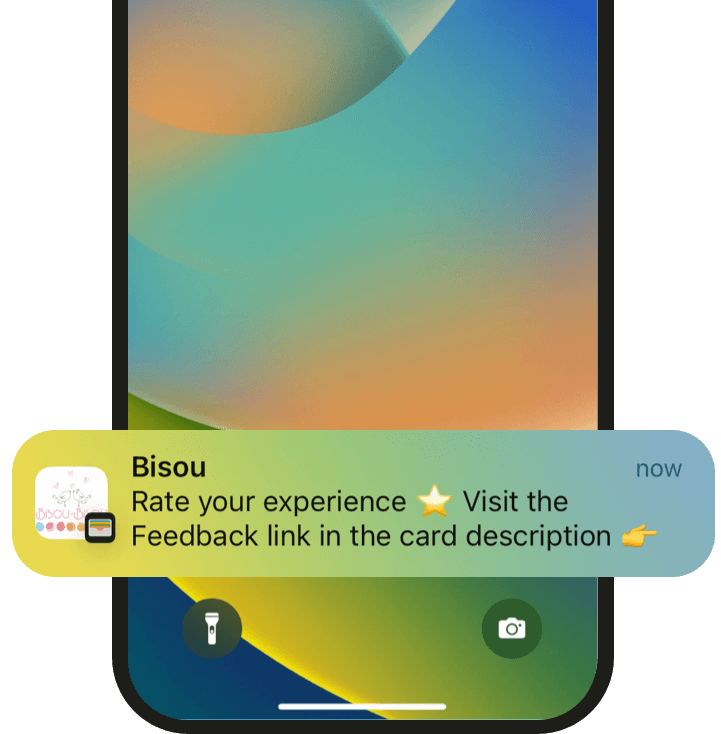
01 Push message preview

Send free push messages

Update saved cards with reminders, new offers, launch promos, and slow-day campaigns.
01

Send free push messages

  • Send reminders, launches, slow-day offers, and expiry nudges.
  • Messages land on saved wallet cards instead of paid SMS.
  • Keep customers aware of what is new.
02 Review collection preview

Collect more reviews

Turn happy visits and redemptions into simple review prompts for your business.

02

Collect more reviews

  • Ask for a review after a redemption or happy visit.
  • Point customers toward your Google review flow.
  • Catch feedback while the experience is still fresh.
03 Birthday reward preview

Wish customers happy birthday

Give people a timely reason to return with birthday offers loaded into their wallet.
03

Wish customers happy birthday

  • Collect birthday month during the claim or sign-up flow.
  • Send a wallet offer before the visit window.
  • Make one quiet occasion feel personal.
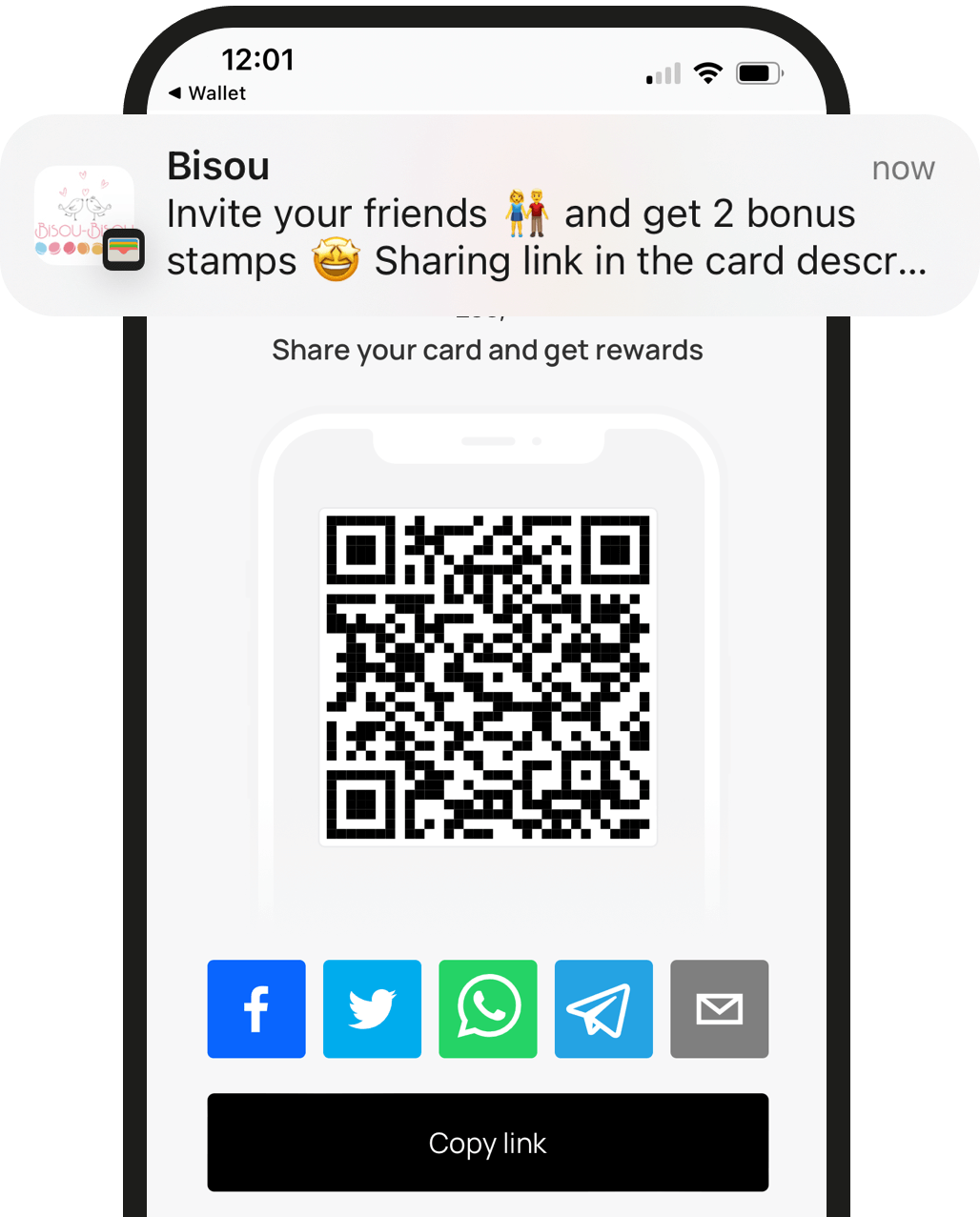
04 Referral program preview

Launch a referral program

Let saved customers share offers with friends and help your campaign spread naturally.
04

Launch a referral program

  • Let saved customers share a simple claim link.
  • Reward the referrer and the new customer.
  • Grow your loyalty program through customers who already like you.
05 Location notification preview

Send geo-based notifications

Prompt customers when they are close enough to visit, book, scan, or redeem.
05

Send geo-based notifications

  • Remind nearby customers when they are close enough to act.
  • Use store, studio, event, or pop-up locations.
  • Keep the prompt useful, not noisy.
06 Customer management dashboard preview

Manage your customer base

See who joined, what they saved, and which offers created action after sign-up.

06

Manage your customer base

  • See who saved, redeemed, and returned.
  • Segment customers by card type or campaign.
  • Decide which offers deserve another push.

What's included

Everything needed to launch wallet loyalty without extra customer apps.

A guided launch package for businesses that want branded wallet cards, simple redemption, customer-friendly offers, and ongoing card updates.

01

Wallet card strategy

We help shape the card type, offer, and customer journey before anything goes live.

02

Branded card setup

Your logo, colors, offer copy, QR links, and save flow are configured for Apple Wallet and Google Wallet.

03

Launch-ready assets

Use the card link on ads, landing pages, QR signs, receipts, emails, and outreach demos.

04

Monthly offer updates

Keep the card useful with seasonal promos, reminders, expiry nudges, and simple follow-up ideas.

05

Basic reporting

See what customers saved, scanned, redeemed, and used across your wallet campaigns.

06

Local campaign guidance

Use simple offer ideas and seasonal updates to keep your cards useful.

Guided launch process

How we get your digital wallet card live.

01

Book a short call

We look at your business, your current offers, and which wallet card type fits best.

02

Choose the card

Together we choose the card type, offer copy, redemption rules, QR placement, and customer fields.

03

We build the card

Your branded Apple Wallet and Google Wallet card is set up with the claim flow and launch assets.

04

Launch and update

Use the card in store, online, in QR displays, and across your customer touchpoints, then update it when your offer changes.

Questions & Answers

Everything a local business owner asks first.

What is 365Digital?

365Digital is a digital loyalty card system for Toronto-area businesses that want customers to save offers, collect rewards, and return without downloading another app.

How do I use it?

Create a card, share the QR code or claim link, let customers save it, then scan cards and send wallet updates when you want people back.

Does it work in Canada?

Yes. The system is built for Apple Wallet and Google Wallet, with QR-based fallback flows where needed.

Should customers pay with Apple Pay or Google Pay?

No. The card is saved to the wallet for loyalty, offers, and redemption. Payment can still happen however your business already accepts it.

Ready to see the flow?

Book a call or watch the demo.